Why Markdown

After over a decade of using various note-taking software: Evernote, Notability, and Apple Notes. I decided to try out a new format. This is called Markdown.
What is it?
Markdown is a plain text system developed in 2004. Essentially basic text with code mixed in for formatting purposes.
The great part is that markdown is a universal file and can be read via a multitude of editors. I also like the fact I can make modifications to the text easily on the keyboard.
As an example: if I was using Microsoft Word, in order to bold text, I would need to select the text and hit the bold button or ctrl-b. With markdown, setting up bold is as easy as adding two sets of asterisks (**) outside the text. I don't even need to move my hands off the keyboard or use my mouse. When you are doing a lot of typing and formatting, this stuff adds up over time.
Why not Apple Notes
I use primarily Apple products: Macbook Pro, iPhone, iPad so I do have the ability to sync multiple devices and could use Apple Notes.
I haven't been a fan of it visually. Not being able to tweak the fonts plays a factor. Just even typing this blog post in Ghost's minimal markdown editor feels so much more clean and less distracting.
My choice: Typora
I tried a couple of markdown editors and I am pretty happy using Typora on my MBP as my main editor and to a lesser extent, Bear on mobile.
Let's start with Typora.
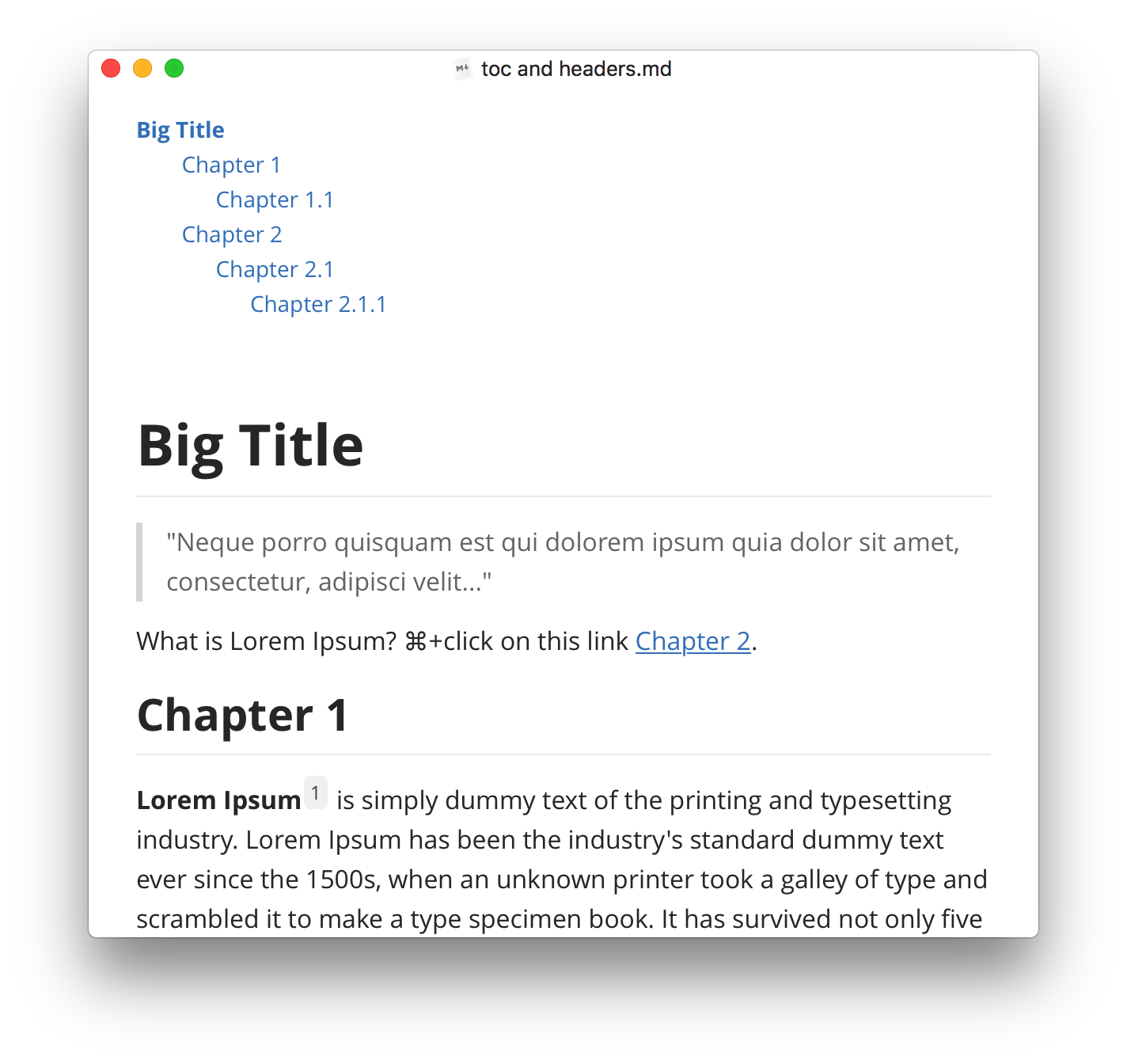
Typora, is a nice and clean markdown editor. I am definitely a fan of it. It just feels comfortable. It has a nice set themes that everyone could enjoy. I like how snappy and simple it looks. I am currently using this for both my work and personal note-taking.
If you are in the market for a new way of taking notes and note-taking system, I recommend checking out markdown.